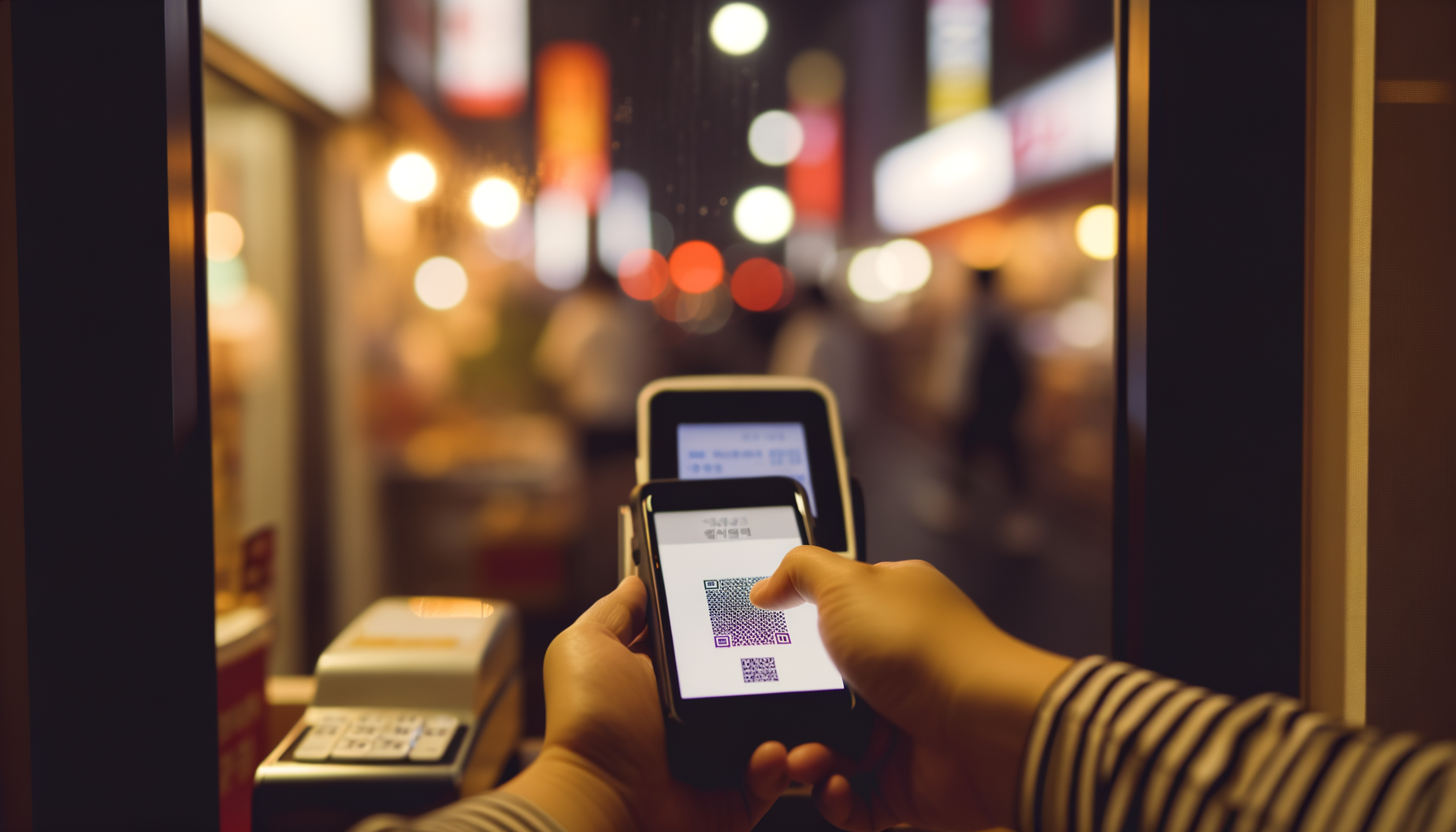
Your first week in Korea, you walk up to a café counter, hold out your foreign card, and the cashier shakes their head slightly — or your card goes through, or it doesn't, and you have no idea why. Then you see the person behind you tap their phone, hear the little beep, and they're done in two seconds. You want that. Everyone wants that.
Here's the thing though: mobile payments in Korea aren't really set up with foreigners in mind. Kakao Pay, Naver Pay, Samsung Pay — they all hit the same wall eventually, and that wall is called real-name verification, or 실명인증. The system is tied tightly to Korean identity infrastructure, and breaking through it takes time and paperwork. But it's completely doable. The key is understanding the sequence, not fighting it.
Day 1: What actually works right now
If you've just landed and haven't sorted out your residency yet, the honest answer is: cash and a T-money card. The T-money card is your best friend for the first couple of weeks. You can grab one at the airport — they sell them at convenience stores right inside the terminal — or at any GS25, CU, or 7-Eleven near you. You top it up with cash at the register or at the little kiosk machines inside the stores. It works on every subway line in Seoul, all the buses, and most taxis will accept it too. It's not glamorous, but it gets you around without any friction at all.
For actual card payments, Visa tends to work more reliably at Korean merchants than Mastercard does. Nobody really knows why exactly, but it's a pattern enough expats have noticed that it's worth keeping in mind when you're choosing which card to pull out. Some international cards just don't play well with certain Korean terminals, especially older ones.
There's also a card called Namane Card (나만의카드), which is a prepaid card you can load up at kiosks using your foreign card or through Wise. It doesn't work everywhere, but it bridges the gap for some purchases while you're waiting on your paperwork.
For food delivery specifically — which, once you're living here, becomes a genuine part of life — there's an app called Shuttle Delivery that's built for expats. It accepts foreign cards and has an English interface, so you're not trying to navigate Korean menus with Google Translate while hungry at 10pm.
The unlock sequence
Once you're a registered resident, things open up fast. But there's an order to it.
It starts with your ARC — Alien Registration Card. You get this through the immigration office, usually within the first few months of arriving on a long-term visa. With your ARC, you can prove your identity for pretty much everything that follows.
Next comes a Korean phone number. A real one on a Korean carrier — not a roaming SIM. You'll need your ARC and your passport to sign up, and most carriers have English-speaking staff at the major stores if you need help. Once you have a Korean number, you can start doing real-name verification with Korean services.
Then comes the bank account. Most major banks — Shinhan, KB, Woori, KEB Hana — will open accounts for foreigners with an ARC. Some branches are more foreigner-friendly than others, so if one branch gives you trouble, it's worth trying a different one. IBK Kiup Bank and Kakao Bank tend to be mentioned often by expats as being relatively painless for foreigners. Once you have a Korean bank account with a debit card linked to it, the door to everything else opens.
Kakao Pay: The one you'll actually use day-to-day
Kakao Pay is everywhere. And I mean everywhere — small cafés that look like they're held together with tape, street food vendors, convenience stores, parking lots. If you scan your surroundings in any commercial area in Korea, there's a Kakao Pay QR code somewhere.
To set it up, you need your Korean phone number, a Korean bank account, and real-name verification through your ARC. The setup happens inside the Kakao app — the same one that functions as essentially Korea's WhatsApp — and it links directly to your bank account or debit card. Foreign-issued cards are not accepted here, which is the catch a lot of people run into. It has to be a Korean bank card.
Once it's working, the experience is genuinely smooth. You open the app, go to Pay, scan the QR code, and it's done. The QR codes are usually displayed at the counter or sometimes you scan the cashier's screen. The whole process takes maybe five seconds once you know what you're doing. In high-traffic places like convenience stores during rush hour, it's faster than any other payment method.
Naver Pay: Mostly for online shopping
Naver Pay has the same requirements — Korean number, Korean bank account, real-name verification — but its real strength is online rather than in-person. If you're shopping on Naver Smart Store, which is basically Korea's Amazon for a huge range of products, Naver Pay is what you'll use at checkout. It's integrated tightly into the Naver ecosystem, and once it's linked to your bank account, online purchases become very fast.
For physical stores, Naver Pay exists but it's much less dominant than Kakao Pay. You'll see it at some places, but you won't see it everywhere. Think of it less as a wallet and more as a checkout method you'll use when shopping online.
Samsung Pay: The most reliable in-person option
If you have a Samsung Galaxy phone, Samsung Pay is worth setting up even if you also have Kakao Pay. The reason is something called MST — Magnetic Secure Transmission. Most mobile payment systems use NFC, which requires the card terminal to be NFC-enabled. A lot of Korean merchants, especially smaller ones and older establishments, are still running terminals that don't support NFC.
Samsung Pay can mimic a physical card swipe through MST, which means it works even at those old terminals. This gives it a wider in-person coverage than any other mobile payment method in Korea right now. You still need a Korean bank card to set it up, same as the others, but the setup process inside the Samsung Pay app is fairly straightforward once you have that.
Apple Pay launched in Korea back in March 2023, and you can use it with a foreign Apple Pay card at NFC terminals. That's actually useful for tourists, because it sidesteps the real-name verification issue entirely. But NFC isn't universal here, which limits where it works. If you're committing to life in Korea and have the option, Samsung Pay's MST coverage is still the more practical choice for daily use.
Where things are heading
One piece of news worth knowing about: the Korean government announced in late 2025 that they're studying an open-loop transit payment system for foreigners — meaning you'd eventually be able to tap an international card directly on subway and bus readers, the way you can in London or Tokyo. The phased rollout is planned from 2027, so it's not here yet, but it's coming.
Until then, the T-money card is still your transit solution, and the ARC-to-bank-account-to-payment-app chain is still the path forward for anything more than that.
The honest summary
The progression matters. Day 1, you're on cash and T-money. After your ARC and a Korean SIM, you get a bank account. Once you have the bank account, Kakao Pay, Naver Pay, and Samsung Pay all become accessible within a day or two of setup. By month three, you're holding up your phone at the convenience store counter and not thinking about it at all.
It's not the most welcoming system for newcomers, and the real-name verification barrier is genuinely frustrating when you're staring at it from the outside. But once you're through it, mobile payments in Korea are genuinely excellent — fast, reliable, and accepted almost everywhere. The path is clear. It just takes a little patience to walk it.