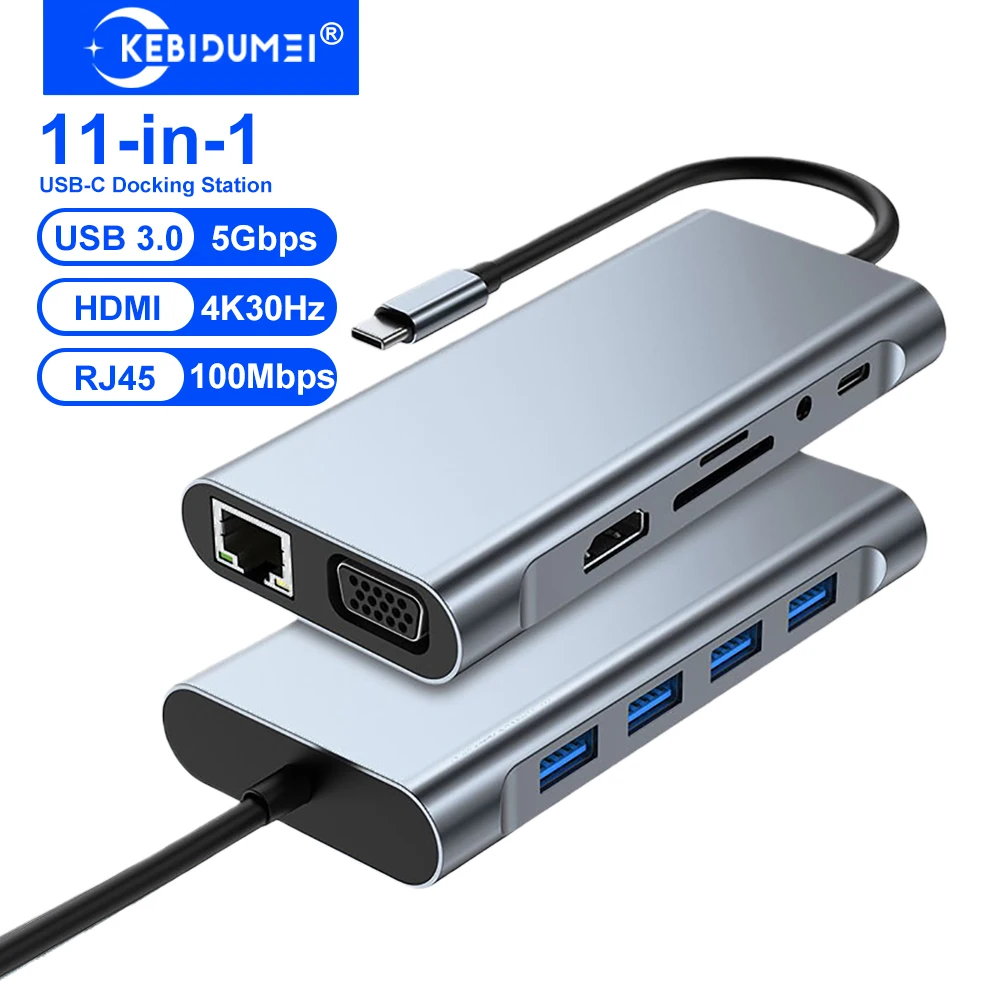
TL;DR: This $14 USB-C hub from AliExpress packs 11 ports including 4K HDMI and USB 3.0 — it replaced my $50 Amazon hub and works just as well for my home office setup.
Quick Specs
| Feature | Details |
|---|---|
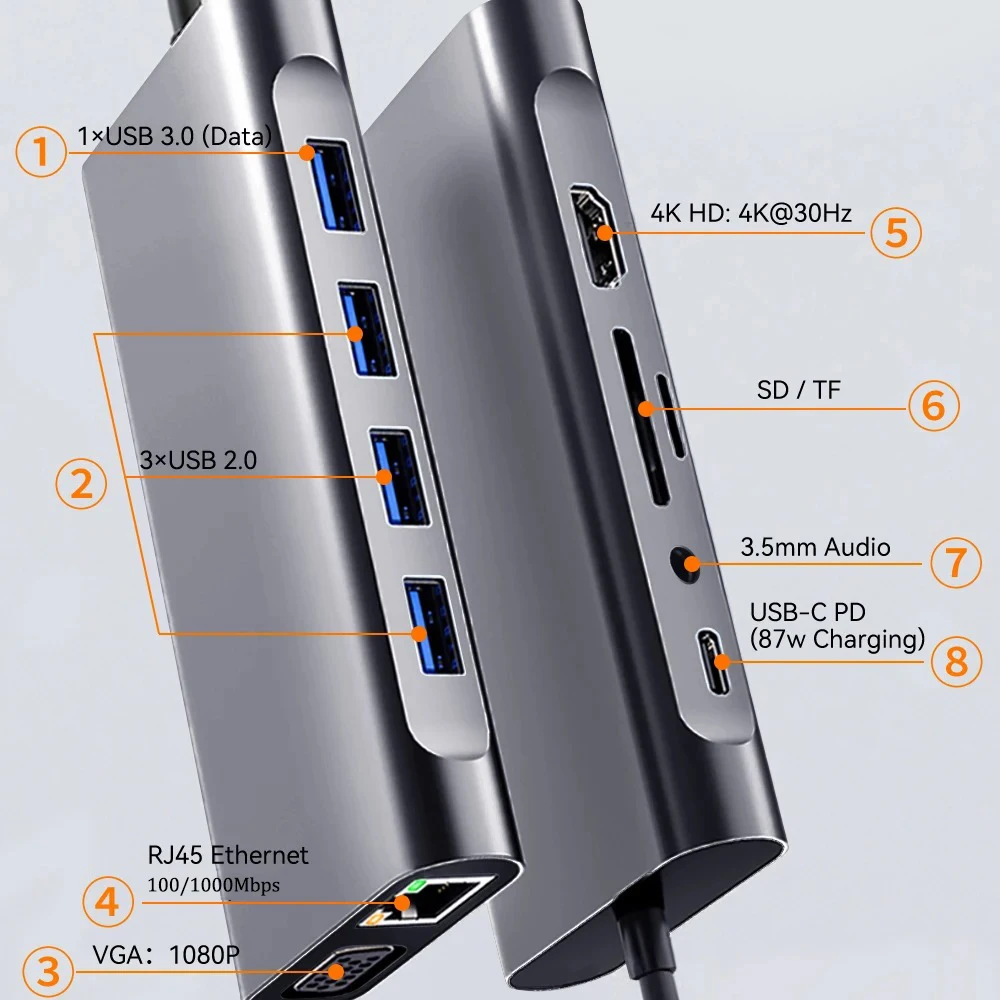
| Ports | 11 (HDMI 4K, USB 3.0 x3, USB-C PD, SD, TF, etc.) |
| Output | 4K@30Hz HDMI |
| Brand | KEBIDUMEI |
| Compatibility | MacBook, PC laptops, USB-C devices |
| Original Price | $30.18 |
| Sale Price | $13.88 (54% off) |
| Units Sold | 12,351+ |
| Rating | 98.0% positive |
| Store | AliExpress Store |
Plug-and-play, no drivers needed. Aluminum housing dissipates heat well.
USB-C Hubs in Korea
Working from home or in a co-working space in Korea, a USB-C hub is basically standard equipment — Korean desk setups tend to be well-organized, and connecting to an external monitor with all your peripherals plugged in is the norm. AliExpress is where you get the best prices on hubs like this one, with shipping to Korea in about 10–15 days. If you need it sooner, Coupang carries a wide selection of USB-C hubs at varying price points, and with Rocket Delivery you can have one on your desk tomorrow. Budget hubs from AliExpress save you around 50% versus Amazon equivalents.
Why does every laptop user need a USB-C hub?
Modern laptops are getting thinner and losing ports. My MacBook Air has two USB-C ports and that's it. External monitor? Need HDMI. Transfer photos? Need SD card reader. Plug in a mouse and keyboard? Need USB-A. A hub is basically mandatory for any serious desk setup. I'd been using a $50 Amazon hub, but when I saw this 11-port KEBIDUMEI hub on AliExpress for $13.88 with 12,000+ sales, I wanted to see if budget could match premium.
How's the build quality for a $14 hub?
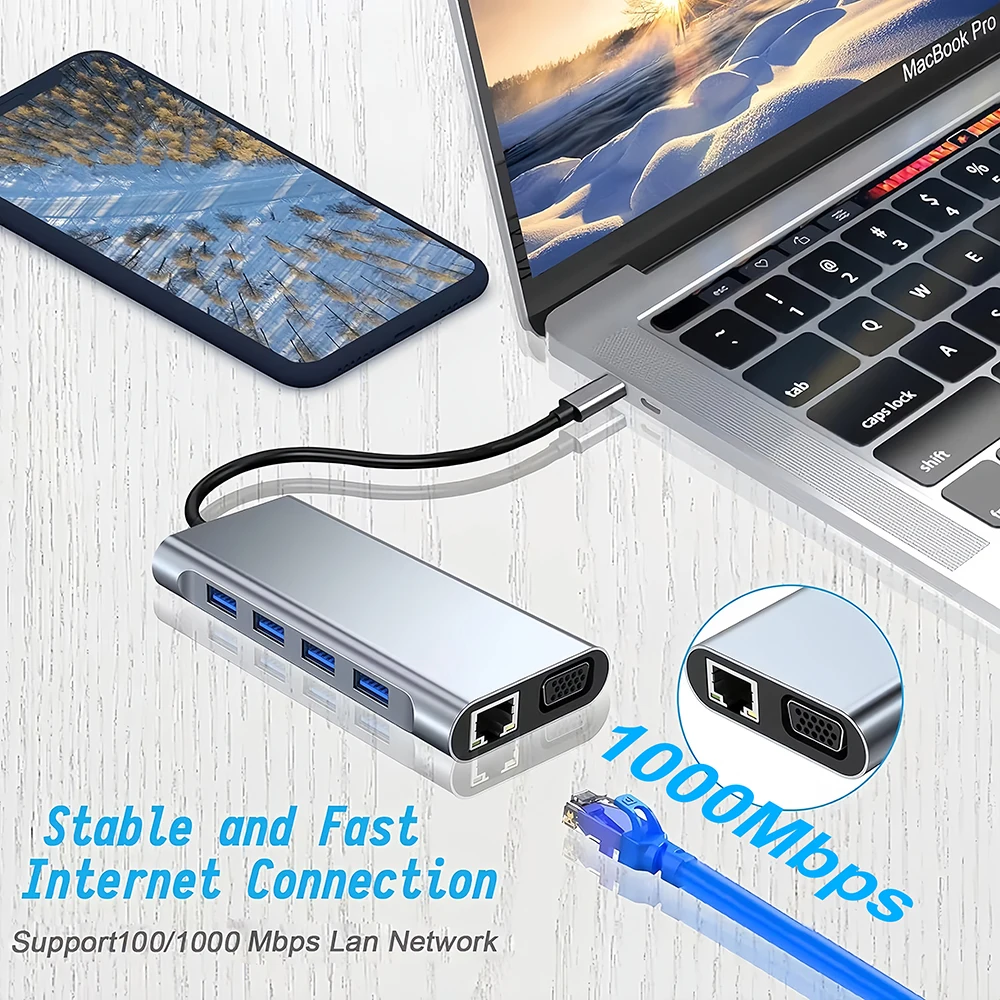
Surprisingly solid. The aluminum body feels cool to the touch and has a premium weight to it. It's compact — about the size of a deck of cards. The USB-C cable is integrated (not detachable), which I initially didn't love, but it means one less point of failure. All the ports are snug and well-labeled. No flex or wobble when plugging things in.
Does the 4K HDMI output actually look good?
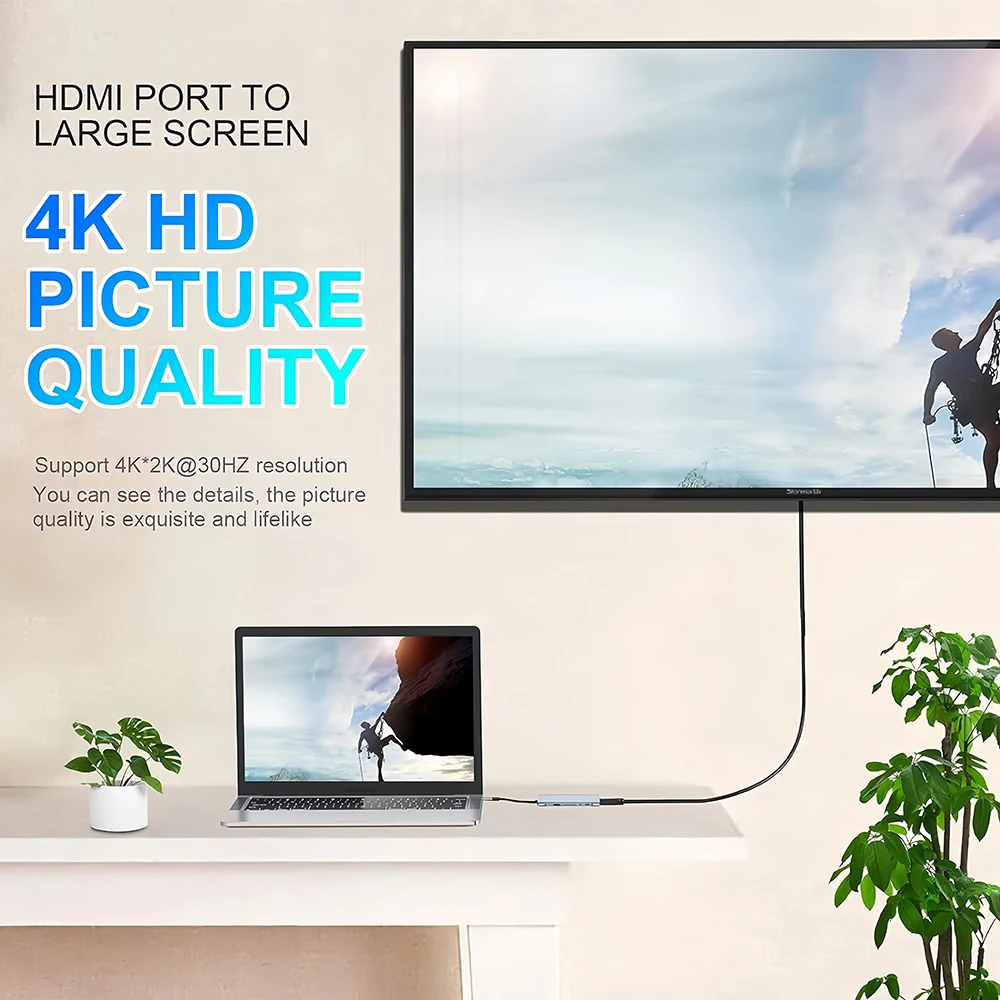
It outputs at 4K@30Hz, which is totally fine for office work, browsing, and video watching. For 4K@60Hz you'd need a more expensive Thunderbolt hub. I connected it to my Dell 27" 4K monitor and the image is crisp and clean. Color accuracy looks identical to plugging in directly via HDMI. No flickering or signal drops in two weeks of daily use.
For dual monitors, you'll need two USB-C ports on your laptop, as this hub supports one HDMI output.
How does the price compare to alternatives?
| Source | Price |
|---|---|
| AliExpress (sale) | $13.88 |
| AliExpress (regular) | $30.18 |
| Amazon (similar 11-port) | $25~50 |
| Anker / CalDigit | $35~80 |
At 54% off, this undercuts Amazon options by 50% or more. Even brand-name budget hubs like Anker start at $25+.
Pros and Cons
Pros
- 11 ports for under $14 — incredible value
- 4K HDMI output, USB 3.0, SD/TF card readers
- Aluminum build with good heat dissipation
- Plug and play — no drivers on Mac or Windows
- USB-C PD passthrough for laptop charging
- 12,351+ sold with 98% positive rating
Cons
- 4K limited to 30Hz (not 60Hz)
- Integrated cable — can't replace if damaged
- Gets warm with heavy use (multiple USB + HDMI)
- No Ethernet port on this model
- USB-C PD passthrough may not deliver full wattage
Who should buy this USB-C hub?
- WFH laptop users who need more ports on their desk
- MacBook owners connecting to external monitors
- Students who need HDMI for presentations and USB for peripherals
- Anyone who wants a docking station without spending $50+
- Photographers who frequently transfer SD cards
Can it charge the laptop while connected?
Yes, via USB-C PD passthrough. Plug your laptop charger into the hub's USB-C PD port and it charges while you use all the other ports. Note that some wattage is lost in passthrough — if your laptop needs 100W, the hub might pass through 85~90W. For most laptops, this is fine.
Is this USB-C hub worth buying overall?
For $13.88, this is the best value USB-C hub I've used. It handles 4K HDMI, USB 3.0 file transfers, SD card reading, and PD charging without breaking a sweat. The 98% positive rating across 12,000+ sales speaks for itself. Unless you specifically need 4K@60Hz or Ethernet, this covers everything a home office desk setup needs.
Frequently Asked Questions
Q: Will this USB-C hub work with my MacBook?
Yes, it's plug-and-play with all MacBook models that have USB-C/Thunderbolt ports. Also works with Windows laptops, Chromebooks, and iPads with USB-C.
Q: Can I connect two external monitors with this hub?
This model has one HDMI port, so it supports one external monitor. For dual monitors, you'd need either two hubs or a Thunderbolt/DisplayLink dock.
Q: Does it support fast file transfer via USB 3.0?
Yes, the USB 3.0 ports support up to 5Gbps transfer speeds. Large file transfers from external drives are noticeably faster than USB 2.0.
What are some similar alternatives?
- Headphone Stand Holder — 360° Rotating Desk Clamp Under $8
- Laptop Stand Adjustable — Aluminum Foldable Stand Under $10
- Webcam Ring Light — Clip-On Desk Lamp for Streaming
This post contains affiliate links. I may earn a small commission if you purchase through them, at no extra cost to you. This does not affect my review or product selection.